Webie
Boost your workflow with real-time sync across devices. Webie makes web development faster, smoother, and more efficient.



SMART DEVELOPMENT TOOL
The easiest way to streamline your web development workflow
Instantly sync your active web pages across all your devices.
No delays, no manual refresh—everything updates in real time.
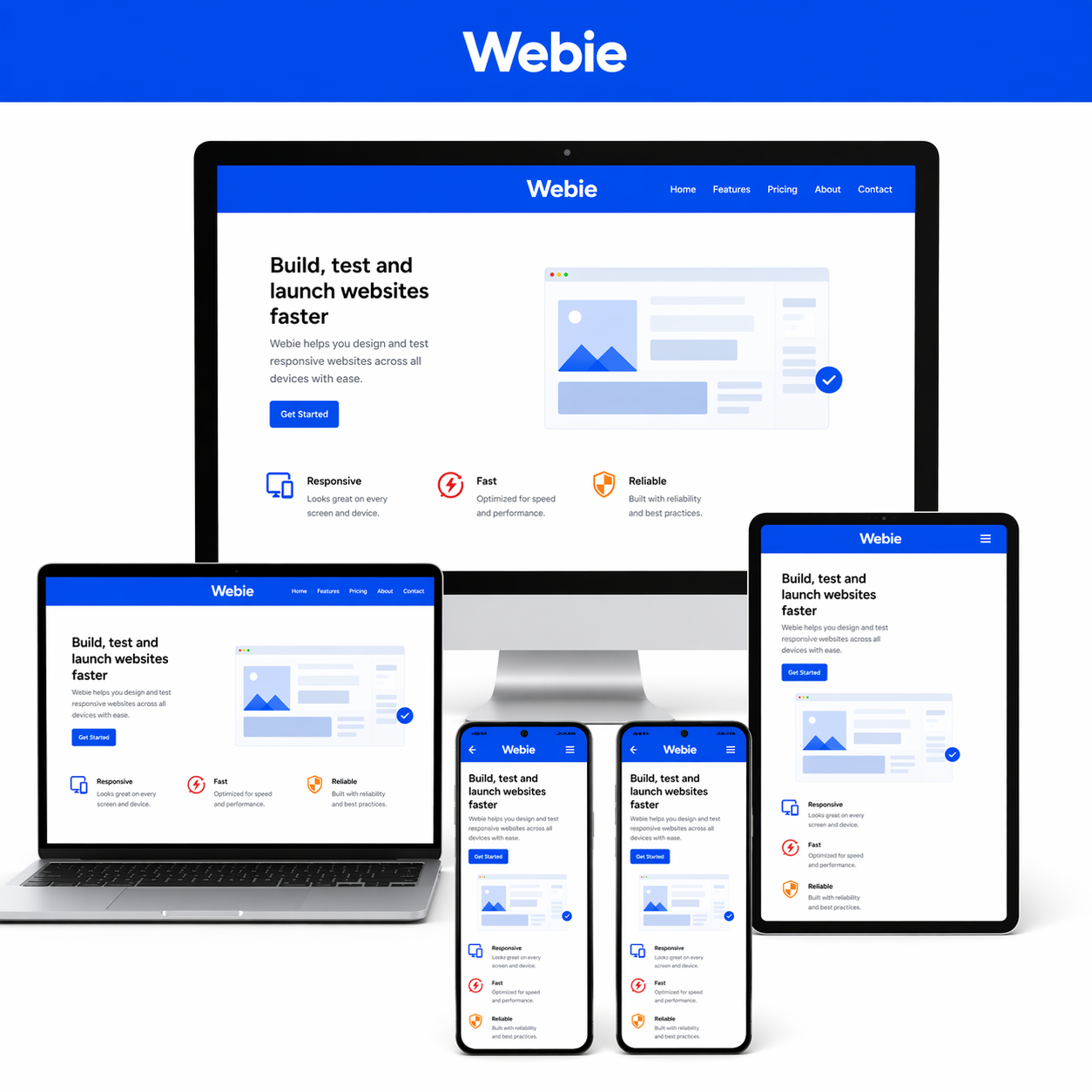
Test your websites on desktop, tablet, and mobile simultaneously.
See how your design behaves across screen sizes instantly.
Keep your development process clean and focused.
Webie removes repetitive steps so you can build faster.
Save time switching between devices and environments.
Focus on coding while Webie handles synchronization.
ADVANCED FEATURES FOR DEVELOPERS
Everything you need to build faster
Get started in seconds with a clean and intuitive interface.
Webie is designed to be simple, so you can focus on your work, not the tool.
Our powerful sync engine keeps your work updated across devices instantly.
Reliable, fast, and built for real-world development workflows.
Customize Webie to fit your development process.
Adapt it to your tools, projects, and preferred way of working.
Whether you’re working solo or across multiple devices, Webie scales with you.
Stay efficient as your workflow grows.
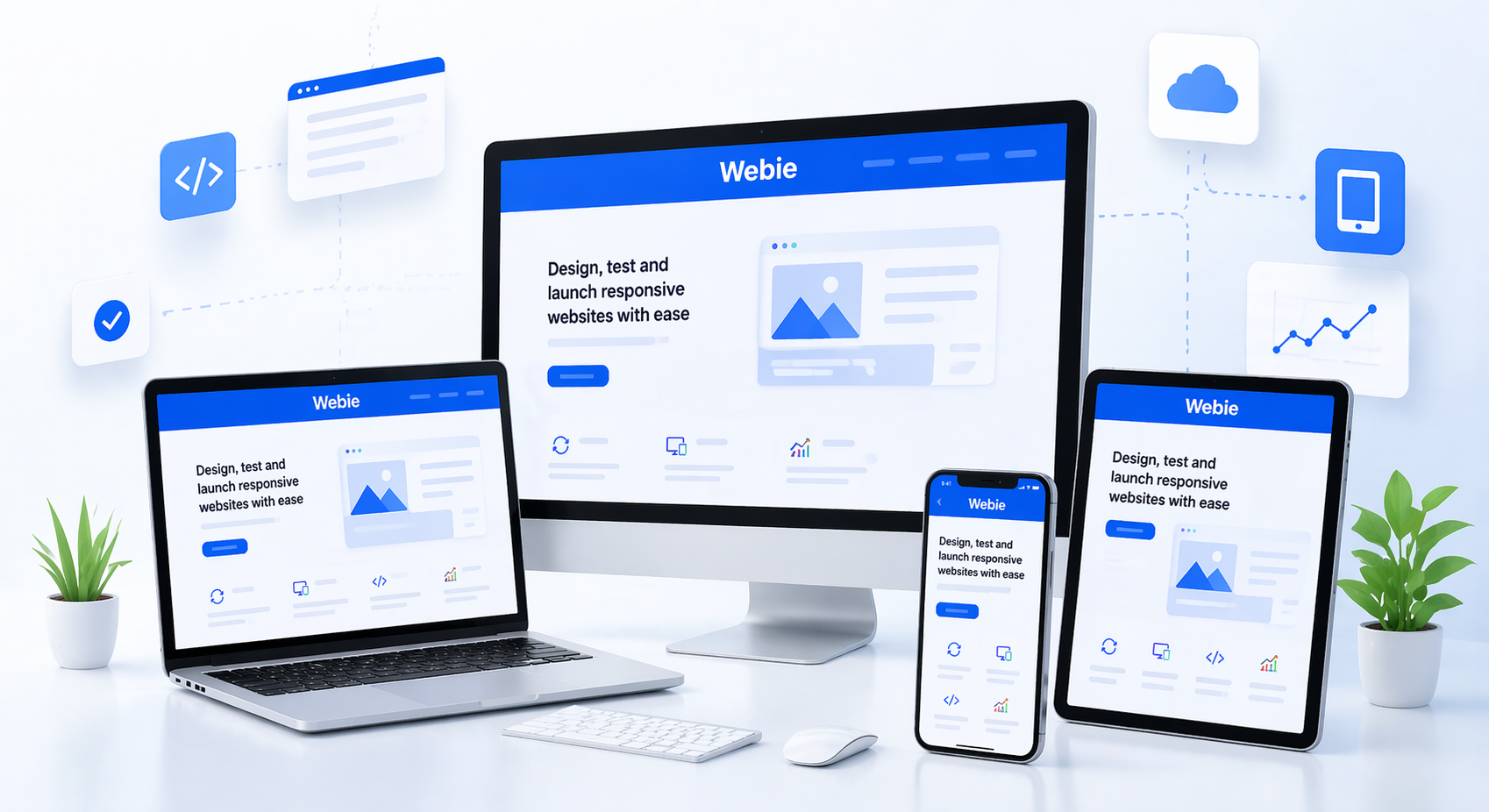
Webie helps developers work faster by keeping web pages instantly available across devices. Open a page on your desktop and continue testing it on tablet or mobile without wasting time sending links manually. It is a simple way to improve responsive testing, reduce repetitive steps, and keep your workflow smooth from start to finish.
Build once, test everywhere
- Instantly sync active web pages between desktop, tablet, and mobile
- Speed up responsive testing across different screen sizes
- Reduce manual steps and keep your workflow clean and simple
- Stay focused on development while Webie handles device continuity
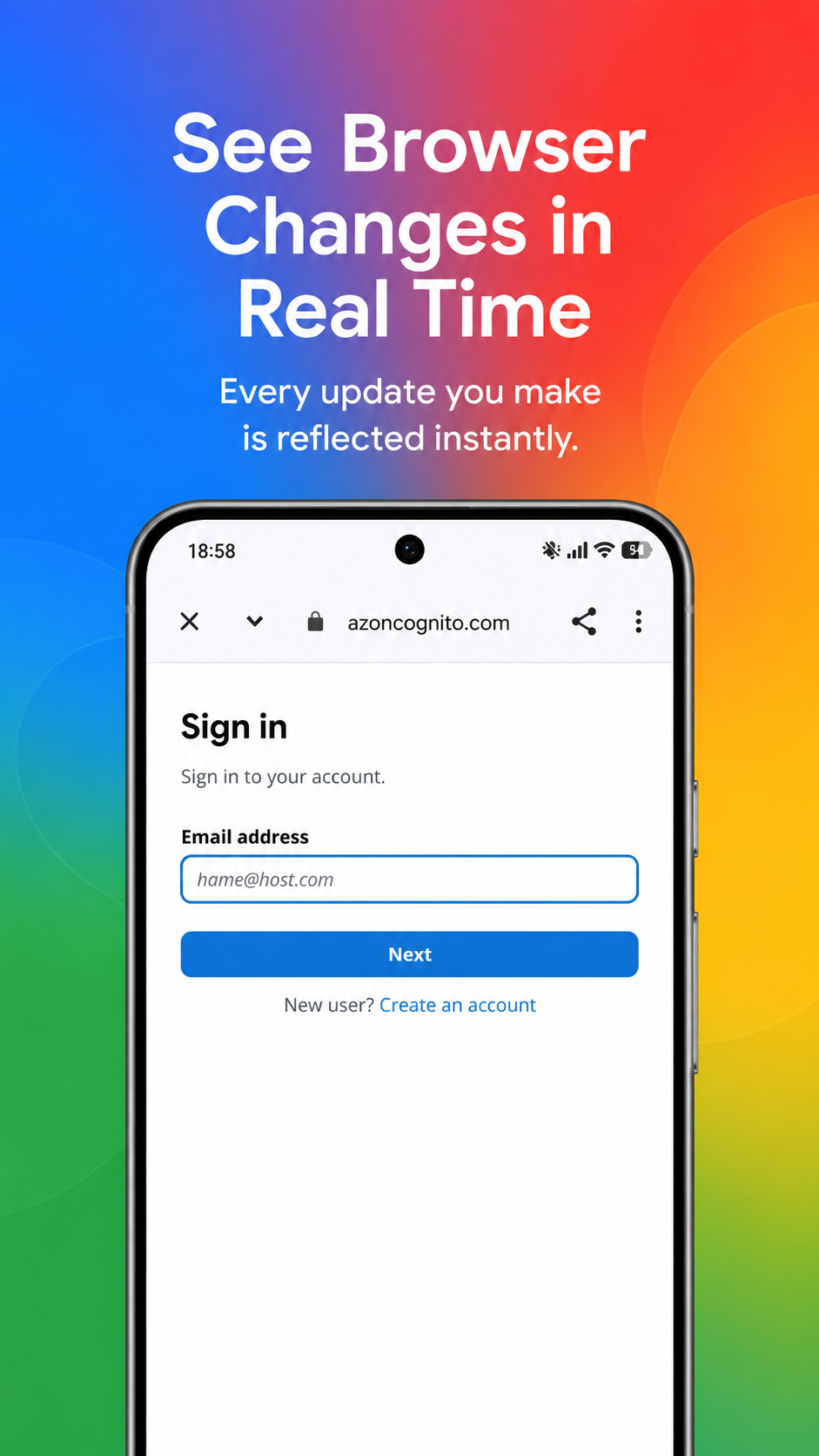
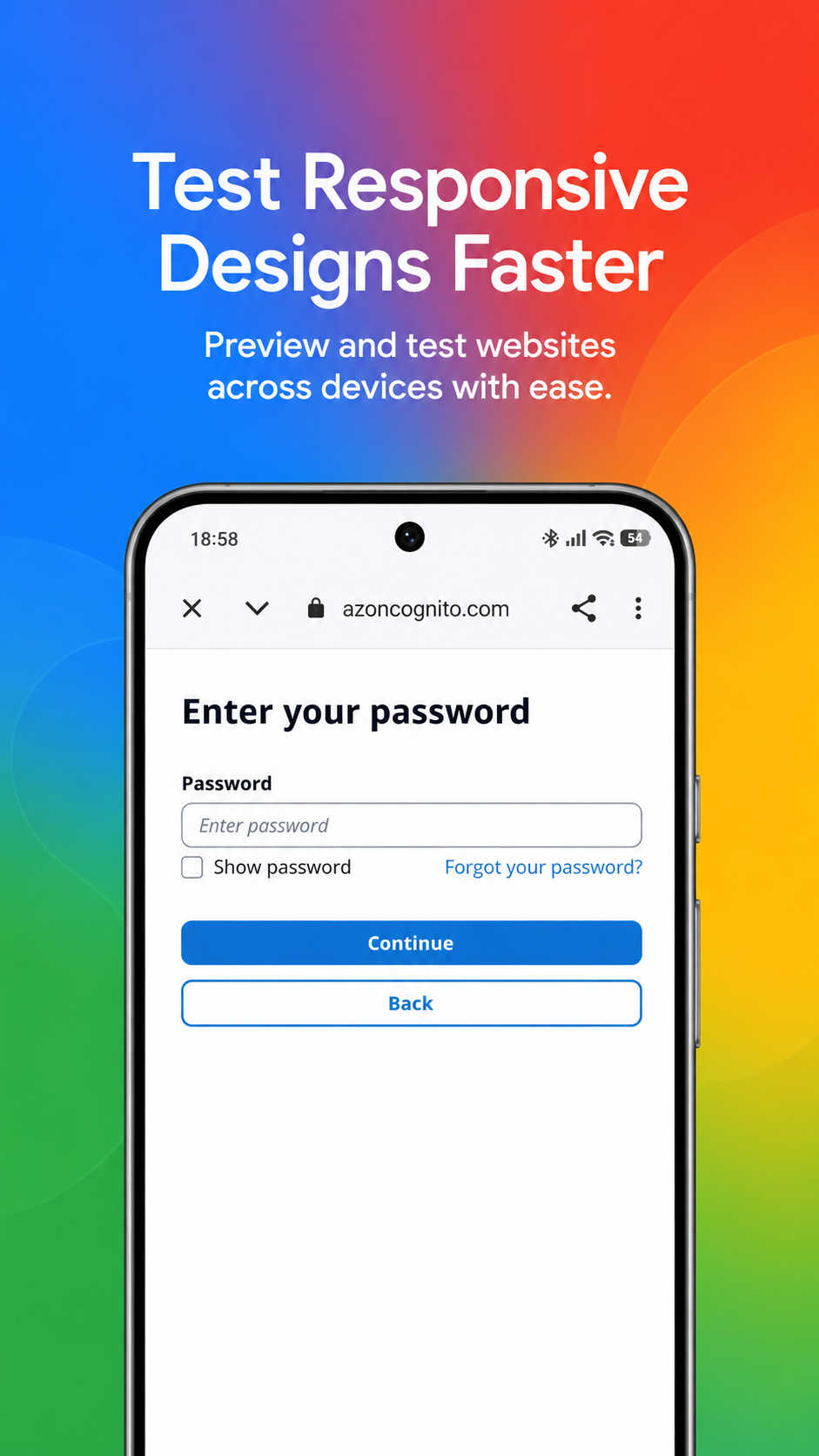
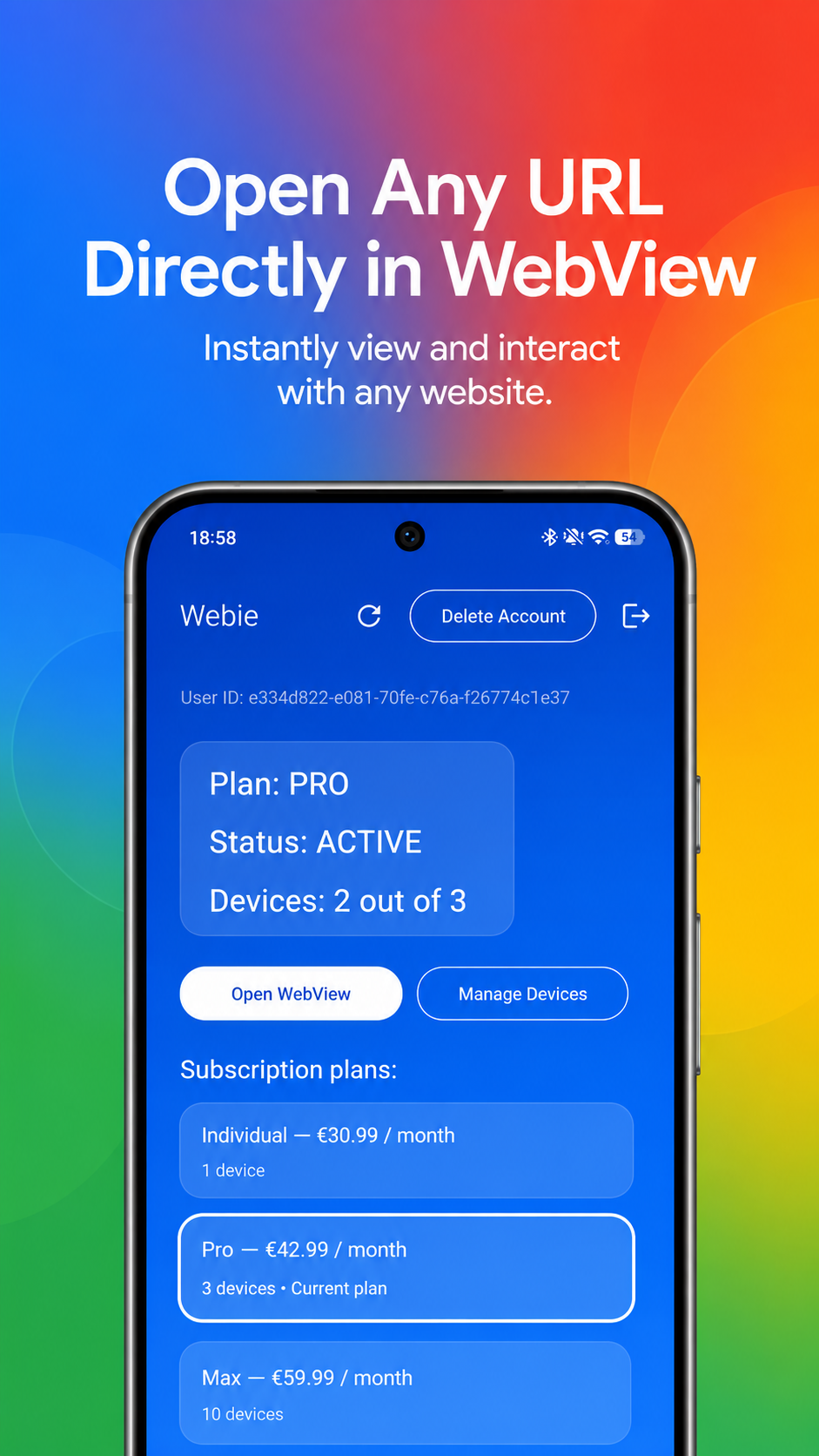
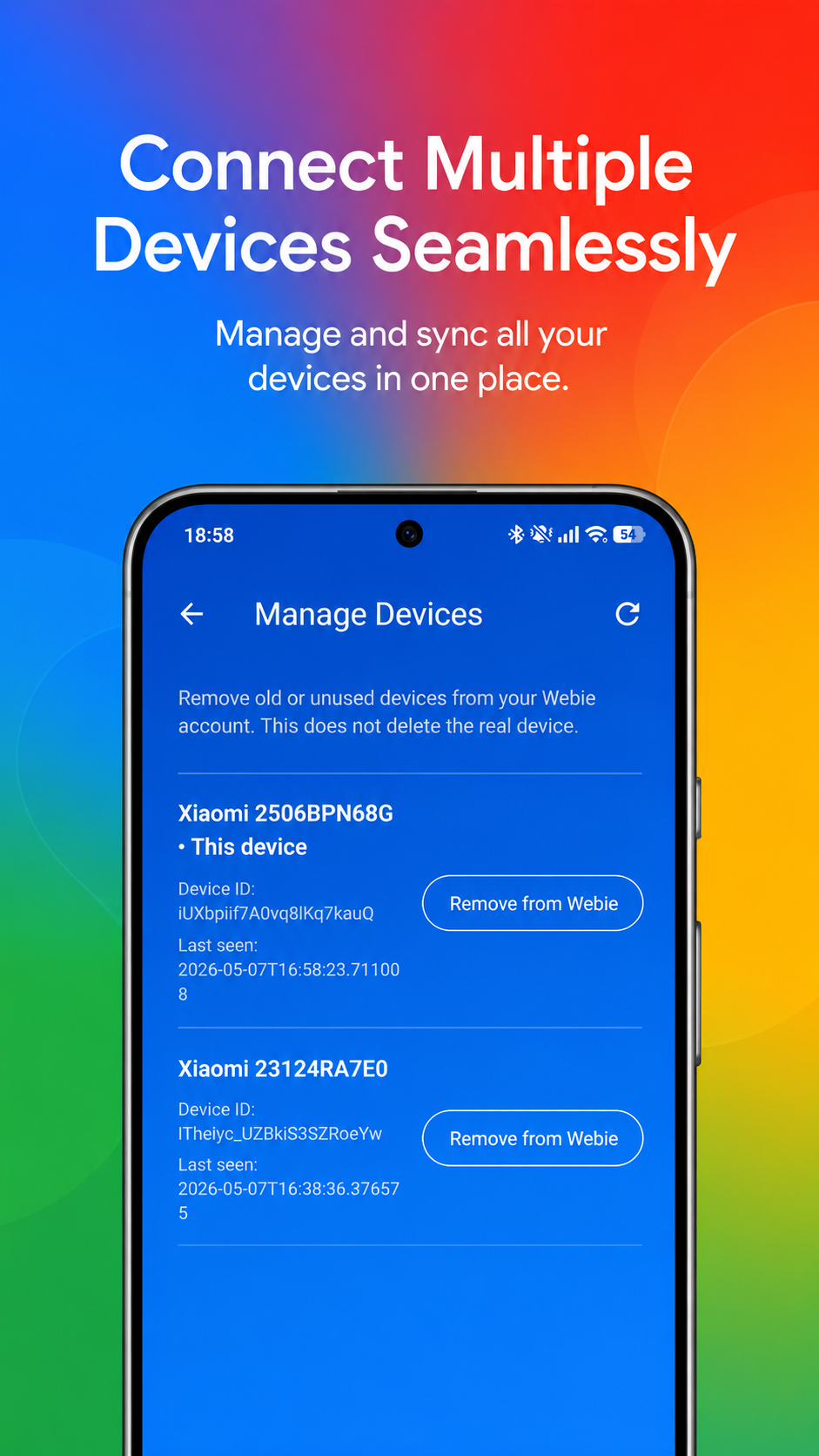
our application ux design
screenshots
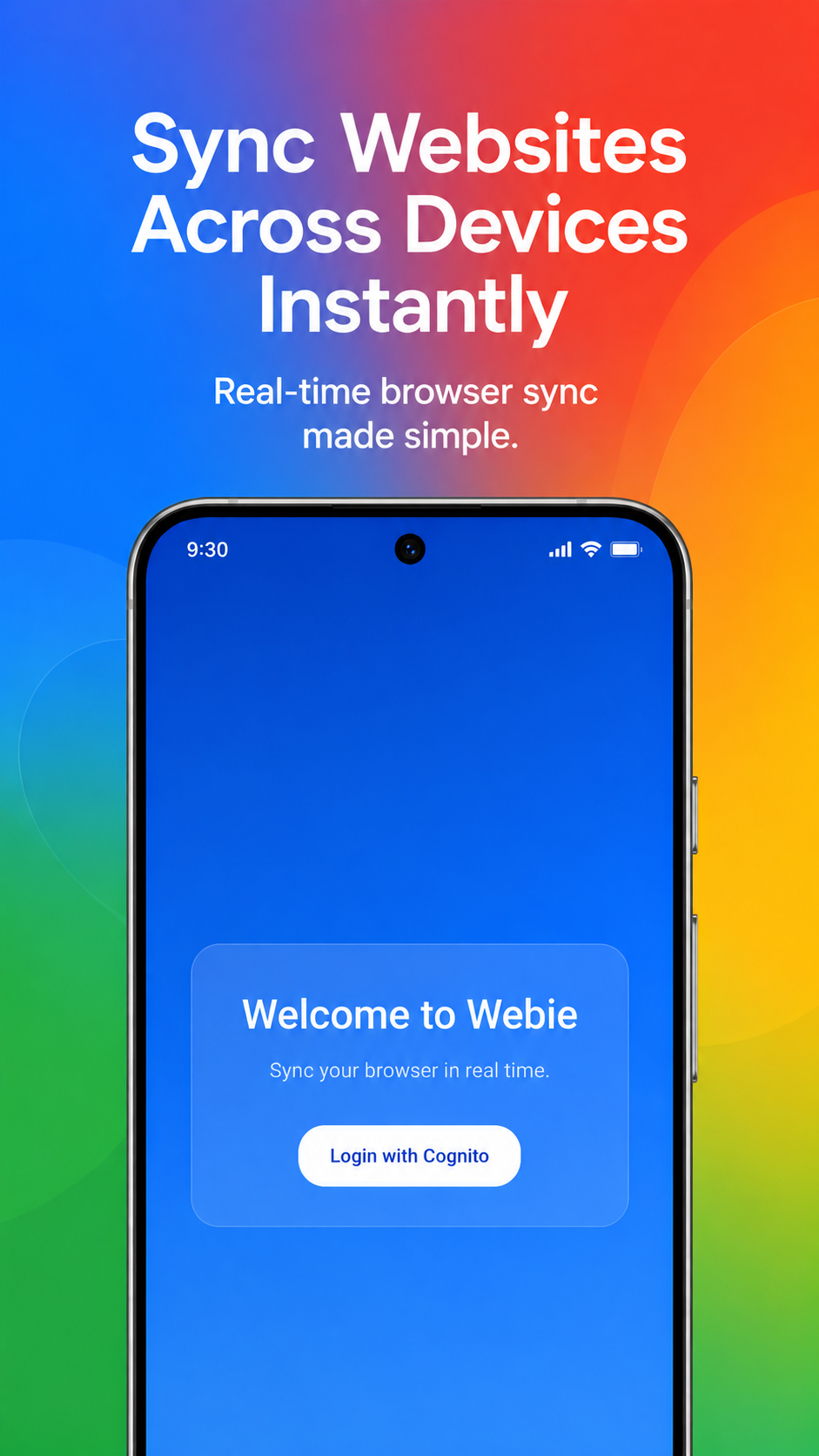
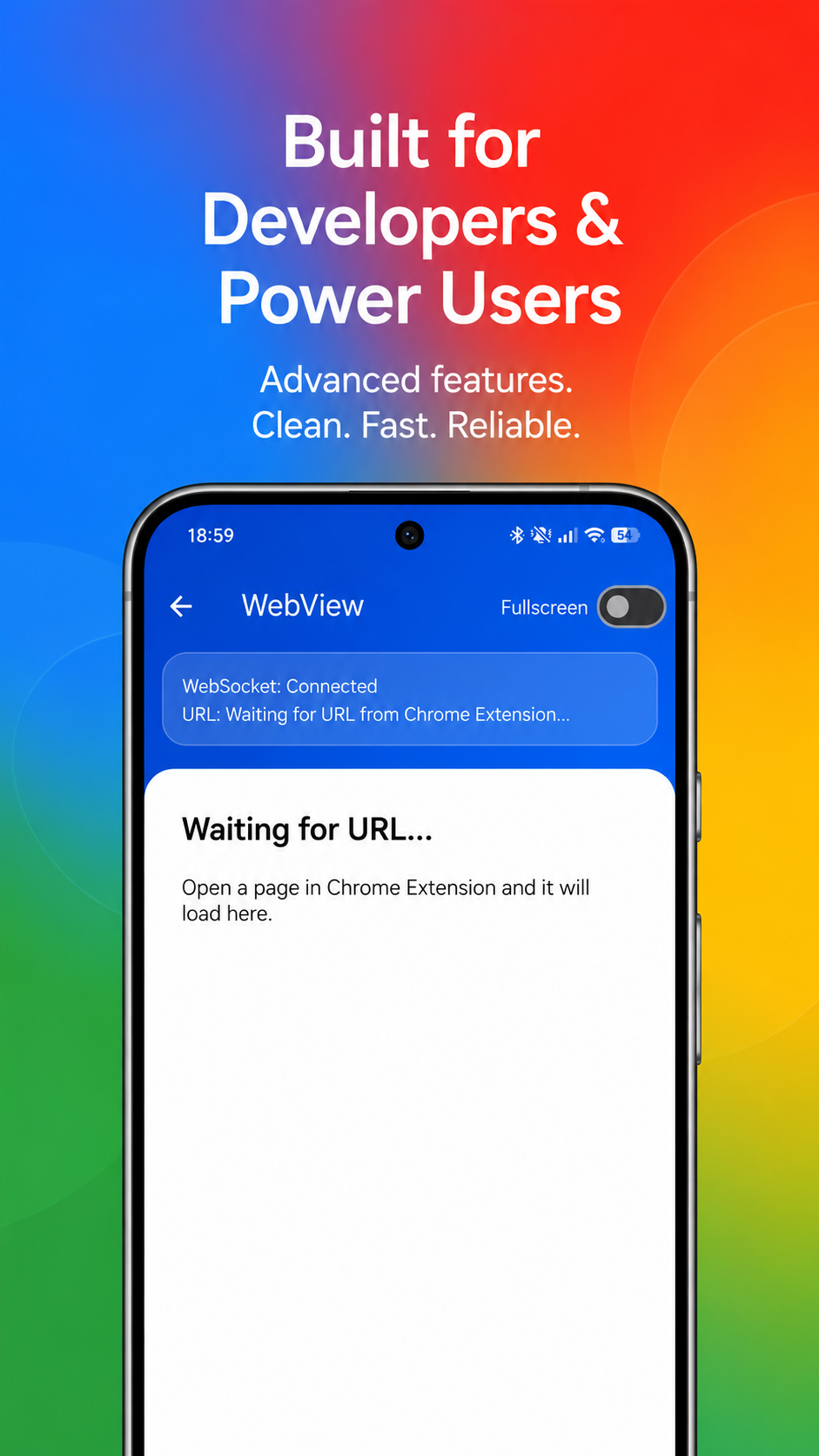

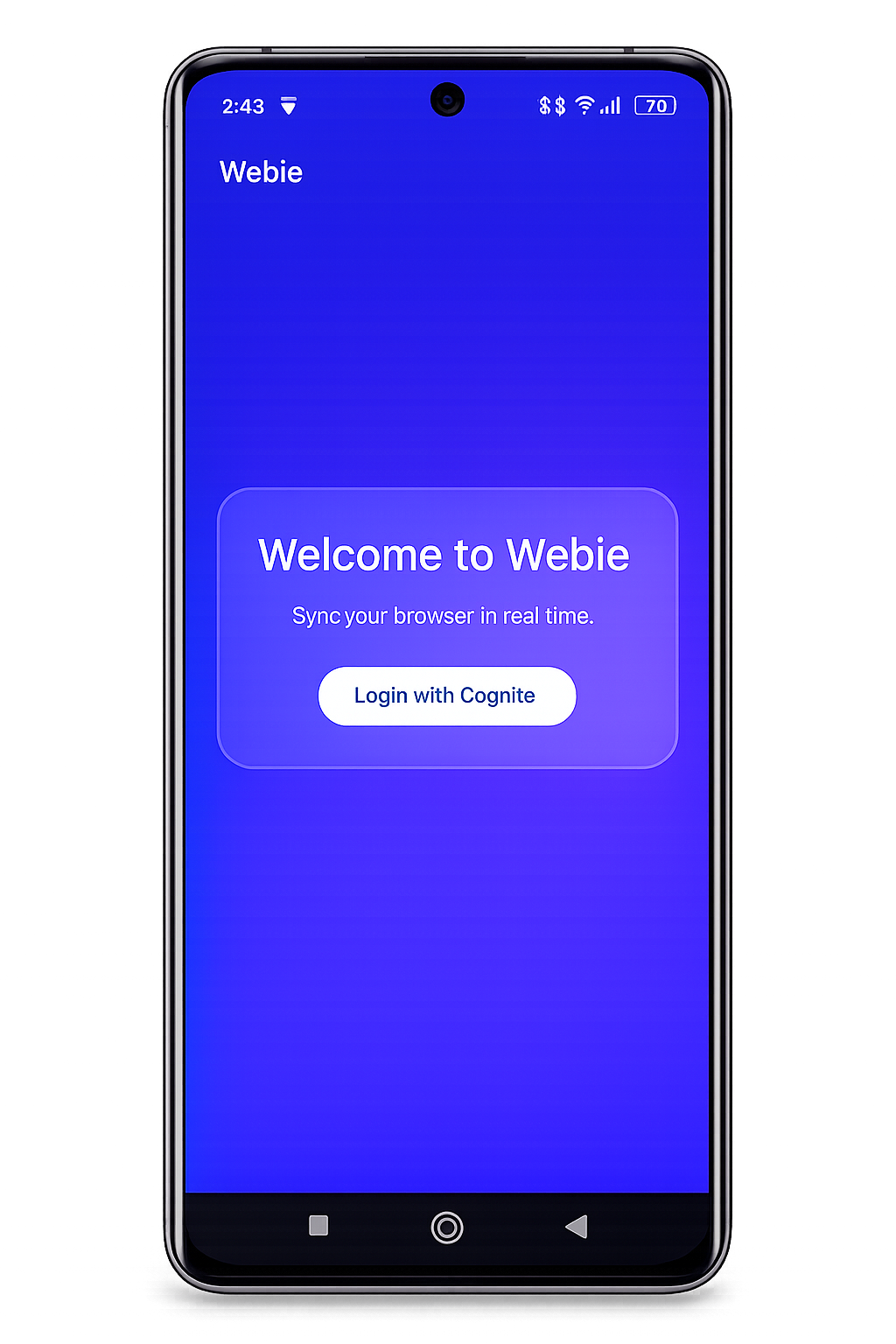
Download our latest app
Sync your workflow seamlessly between desktop and mobile
video guide
How to use Webie
Choose your plan
Our pricing
Contact email: damian.baran.developer@gmail.com
Webie Privacy Policy
Last updated: May 2026
Introduction
Webie (“we”, “our”, or “us”) respects your privacy and is committed to protecting your personal information.
This Privacy Policy explains how the Webie Chrome Extension and related Webie services collect, use, and protect information.
By using Webie, you agree to this Privacy Policy.
What Webie Does
Webie synchronizes the currently active browser tab URL from your Google Chrome browser to your own connected Android devices in realtime.
Webie is designed solely for browser-to-device URL synchronization.
Information We Collect
Authentication Information
When you log in to Webie, authentication information may be processed through Amazon Cognito authentication services.
This may include:
- User account identifiers
- Authentication tokens
- Login session information
Passwords are not stored directly by the Webie Chrome Extension.
Browser Tab URLs
When URL synchronization is enabled, Webie processes the currently active browser tab URL to synchronize it with your own connected Android devices.
Webie only synchronizes URLs between devices associated with your own Webie account.
Device Information
Webie may process limited device-related information necessary for synchronization and device management.
This may include:
- Device identifiers
- Connection status
- Subscription status
- Device type
How We Use Information
Webie uses collected information solely for the following purposes:
- User authentication
- Subscription validation
- Device synchronization
- Realtime URL synchronization
- Device limit enforcement
- Service stability and security
Webie does not use your information for advertising purposes.
Data Sharing
Webie does not sell personal information.
Webie does not share your information with third parties for advertising or marketing purposes.
Information may be processed by trusted infrastructure providers used to operate the service, including:
- Amazon Web Services (AWS)
- Google Play Billing
Data Storage and Security
Webie uses industry-standard security measures to help protect your information.
Authentication tokens and extension settings are stored locally within your browser using Chrome Extension storage APIs.
Backend infrastructure is hosted using Amazon Web Services (AWS).
User Control
You can:
- Log out of Webie at any time
- Disable URL synchronization at any time using the extension toggle
- Delete your Webie account through the Android application
- Remove connected devices from your account
Children’s Privacy
Webie is not intended for children under the age of 13.
Changes to This Policy
We may update this Privacy Policy from time to time.
Updated versions will be posted on the official Webie website.
Contact
If you have any questions about this Privacy Policy, you can contact:
Steps:
1. Open the Webie Android app
2. Log in to your account
3. Open the main screen
4. Tap the Delete Account button in the top navigation bar
5. Confirm account deletion
The following data will be permanently deleted:
– User account
– Device registrations
– Active sessions and connections
– Stored application data related to the account
Some billing or legal records may be temporarily retained if required by law or Google Play policies.